
Working from home offers flexibility and comfort, but it also presents unique challenges. A cluttered or uninspiring space can hamper your focus and motivation. By creating a home office that balances relaxation and productivity, you can improve your work experience and overall well-being. Here are some helpful tips to design a home office environment that works for you.
Choose the Right Location
The first step in setting up your home office is selecting an appropriate spot. Ideally, this should be a quiet area with minimal distractions, separate from high-traffic zones like the kitchen or living room. If possible, choose a room with a door for added privacy. Natural light is beneficial, so consider a space near a window.
Consider Room Function
If your home is limited on space, carve out a dedicated area in a multi-purpose room. Use room dividers or screens to create a physical separation that signals ‘work mode.’
Invest in Comfortable Furniture
Comfort is key to maintaining focus during long work hours. Choose an ergonomic chair that supports good posture and reduces strain on your back. Pair this with a desk at the right height for your body.
Desk Options
If space is tight, consider a wall-mounted foldable desk or a compact workstation. If you prefer, standing desks allow you to alternate between sitting and standing, which can improve circulation and reduce fatigue.
Optimise Lighting
Good lighting reduces eye strain and helps maintain energy levels throughout the day.
– Use natural daylight as much as possible.
– For artificial lighting, opt for bright, neutral white bulbs.
– Position your desk so light comes from the side, lowering glare on your screen.
– A task lamp can provide focused lighting for reading or detailed work.
Keep Organised and Clutter-Free
A tidy space encourages a clear mind. Use storage solutions to keep things organised:
– Drawers and shelves for stationary and documents.
– Cable management tools to prevent tangled wires.
– Desk organisers for daily essentials.
– Regularly declutter your workspace to remove unnecessary items.
Personalise Your Space
Adding personal touches makes your workspace feel inviting and motivating. Consider:
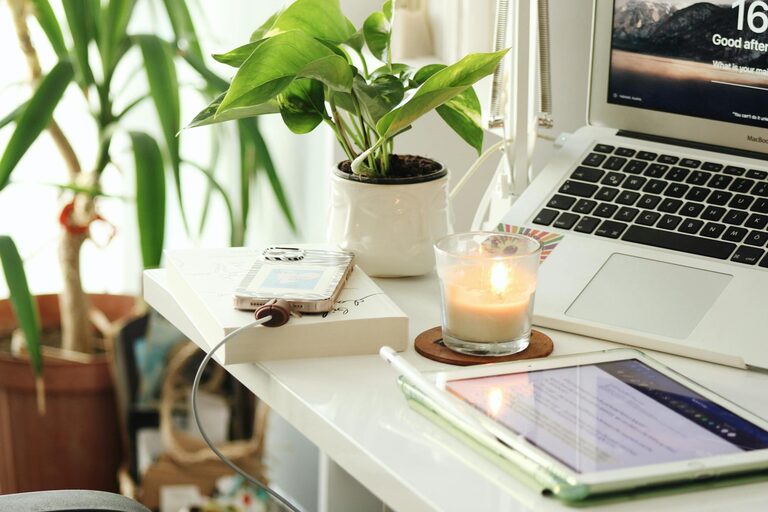
– Plants, which can improve air quality and add colour.
– Artwork or photos that inspire you.
– A colour scheme that is calming yet energising, such as soft blues or greens.
Minimise Noise and Distractions
Sound can greatly impact concentration. Reduce noise by:
– Using noise-cancelling headphones or white noise machines.
– Adding rugs or curtains to absorb sound.
– Setting boundaries with household members during work hours.
Manage Technology Efficiently
Ensure your technology setup supports your workflow:
– Use reliable internet with good speed.
– Position your monitor at eye level to reduce neck strain.
– Keep accessories like printers and chargers accessible but not in the way.
– Regularly back up work and update software to avoid disruptions.
Incorporate Break Areas
Don’t forget to schedule breaks and have a place to unwind. If possible, create a small corner with a comfortable chair where you can relax and recharge.
Maintain Good Air Quality
Fresh air improves concentration and comfort. Open windows regularly or add an air purifier. Avoid strong scents that might be distracting.
Set a Routine
A consistent work routine helps condition your brain to focus when you are in your home office. Start and finish work at set times, and include short breaks to maintain productivity.
Final Thoughts
Designing a home office that fosters both relaxation and productivity involves thoughtful choices around location, comfort, lighting, organisation, and personalisation. By creating a space tailored to your needs, you can enjoy a more enjoyable and efficient work-from-home experience. Remember, your home office should be a place where you feel motivated, comfortable, and ready to succeed.